You made a website.
You wrote some content.
You waited…
But when you search on Google — your website is nowhere.
This is a very common problem. Almost every beginner faces this.
Don’t worry — let’s understand it in the simplest way possible.
Quick Simple Answer
Your website is not ranking because of one (or more) of these reasons:
- Google doesn’t know your site exists yet
- Your website is too new
- You are targeting very difficult keywords
- Your content is not helpful enough
- You don’t have backlinks
- There are technical problems
Now let’s understand each one step by step 👇
First Understand: How Google Works (Very Simple)
Google works like this:
1. Crawling (Finding your website)
Google sends a robot (Googlebot) to find websites.
👉 If it doesn’t find your site → no ranking
2. Indexing (Saving your website)
Google stores your page in its system.
👉 If your page is not saved → it cannot show in search
3. Ranking (Showing results)
Google decides:
“Which website is best for this search?”
👉 If your content is weak → it won’t show
Also read: How Search Engines Work.
Why My Website Is Not Ranking on Google: 15 Real Reasons & Solutions
Reason 1: Your Website Is New
If your website is new (0–3 months), Google does NOT trust it yet.
Think like this:
👉 Would you trust a brand new shop with no reviews?
Same with Google.
What to do:
- Keep posting content
- Be patient (3–6 months minimum)
- Don’t panic
Reason 2: Google Has Not Indexed Your Website
Sometimes your website exists — but Google hasn’t saved it.
Check this:
Type in Google:
site:yourdomain.com
If nothing shows → your site is not indexed.
Fix:
- Go to Google Search Console
- Submit your website
- Click “Request Indexing”
Reason 3: You Blocked Google (Big Mistake)
Many beginners accidentally block Google.
Check these:
❌ robots.txt
If it says:
Disallow: /
→ Google cannot enter your site
❌ Noindex tag
This tells Google:
“Don’t show my page”
❌ WordPress setting
Settings → Reading
✔ “Discourage search engines” (should be OFF)
Reason 4: You Chose Very Hard Keywords
Example:
You try to rank for:
👉 “Best laptop”
But big sites like Amazon are already there.
👉 You cannot beat them (yet)
Better strategy:
Instead of:
❌ Best laptop
Use:
✅ Best laptop under $500 for students
This is called long-tail keyword
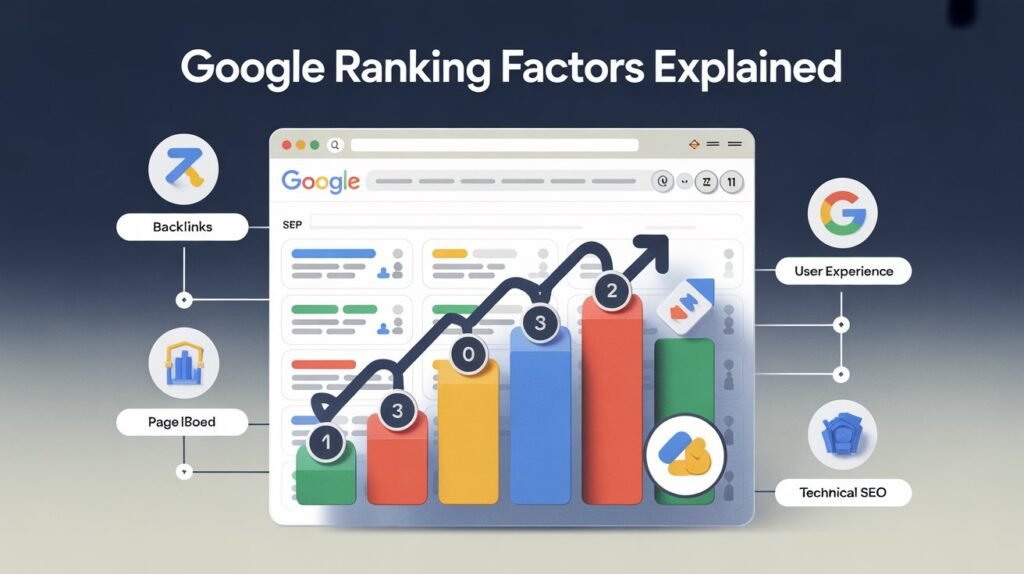
Also read: Google ranking factors.
Reason 5: Your Content Doesn’t Match What People Want
Google only shows what people are looking for.
Example:
User searches:
👉 “How to lose weight”
But your page:
👉 Selling weight loss product
❌ Google will NOT rank it
Types of search:
- Learn → “how to…”
- Buy → “buy now”
- Compare → “best…”
👉 Your content must match the intent
Reason 6: Weak SEO (Basic Optimization Missing)
Google needs help to understand your page.
You must include:
- Title with keyword
- Proper heading (H1)
- Short URL
- Keyword in first paragraph
- Internal links
Reason 7: Your Content Is Not Good Enough
Google asks one question:
👉 “Is this helpful?”
If your content is:
- Too short
- Copy-paste
- Confusing
→ It won’t rank
Make better content:
- Explain clearly
- Give examples
- Answer questions
- Write like you are teaching a beginner
Reason 8: No Backlinks
Backlinks = other websites linking to you
Google thinks:
👉 “If others trust this site, it must be good”
No backlinks = no trust
Start with:
- Guest posting
- Sharing content
- Directory listings (basic)
Also read: what is PageRank.
Reason 9: Your Website Is Slow
If your site is slow:
👉 Users leave
👉 Google notices
👉 Ranking drops
Fix:
- Compress images
- Use fast hosting
- Use caching plugin
Reason 10: Not Mobile Friendly
Most people use mobile.
If your site looks broken on phone:
👉 Google will NOT rank it
Reason 11: Duplicate Content
Same content on multiple pages = confusion
Google doesn’t know which one to rank.
Reason 12: Low Authority
New website = low trust
You need:
- Time
- Content
- Backlinks
Reason 13: No Schema
Schema helps Google understand your content better.
It can show:
- ⭐ ratings
- FAQs
- Prices
Reason 14: Broken Links
Broken links = bad experience
Google doesn’t like messy websites.
Reason 15: Google Penalty
If your site drops suddenly:
- Maybe algorithm update
- Maybe rule violation
Check in Google Search Console
Step-by-Step Fix
Follow this order:
- Check if your site is indexed
- Set up Google Search Console
- Fix blocking issues
- Choose easy keywords
- Improve content
- Build backlinks
- Improve speed
Biggest Mistakes Beginners Make
❌ Expecting fast results
❌ Choosing hard keywords
❌ Writing low-quality content
❌ Ignoring SEO basics
❌ Not being consistent
Final Simple Advice
If you remember only this, you’ll succeed:
👉 Write helpful content
👉 Target easy keywords
👉 Be consistent
👉 Wait patiently
SEO is slow — but very powerful.